Smartcard driver installation on Apple Mac

Download the package
- Download the Smartcard Driver for macOS, here, below the SHA256 hash of the file:
1 | |
Installing Safenet Authentication Client
- After unziping the downloaded file, you have a new file with a .dmg extension
- open the dmg file
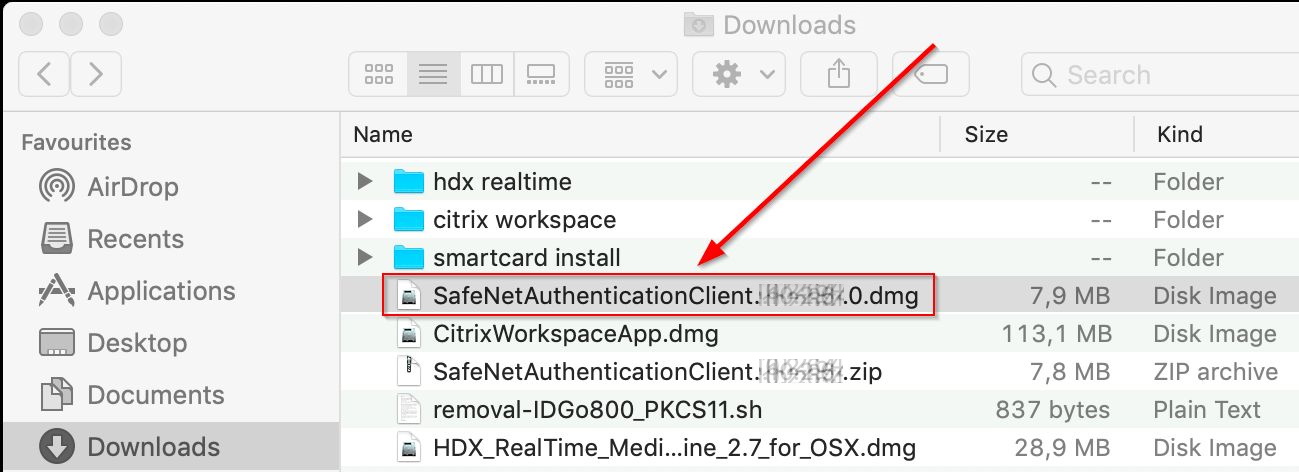
- Select and launch the Safenet Authentication Client icon
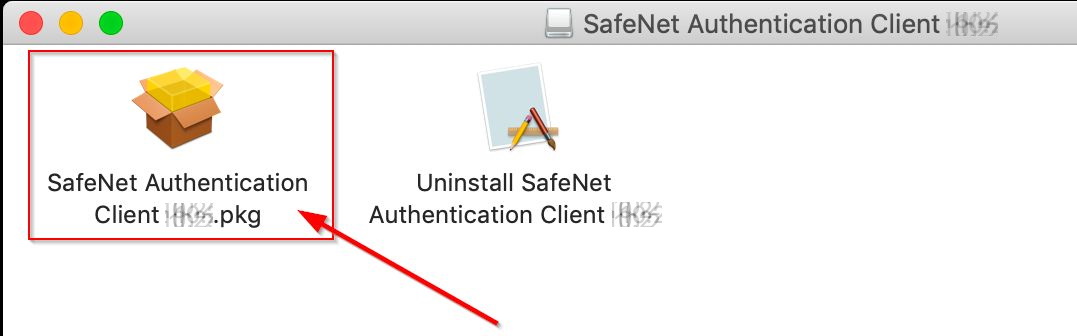
- Click on Continue
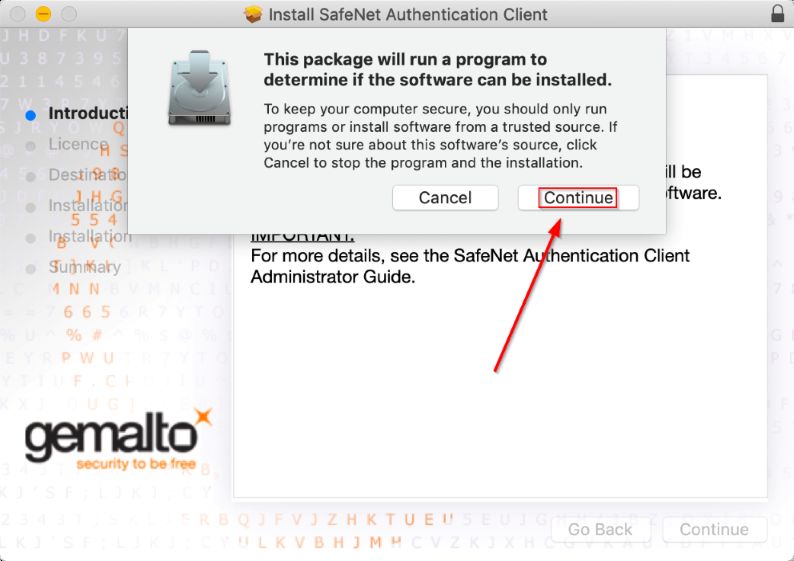
- Click on Continue
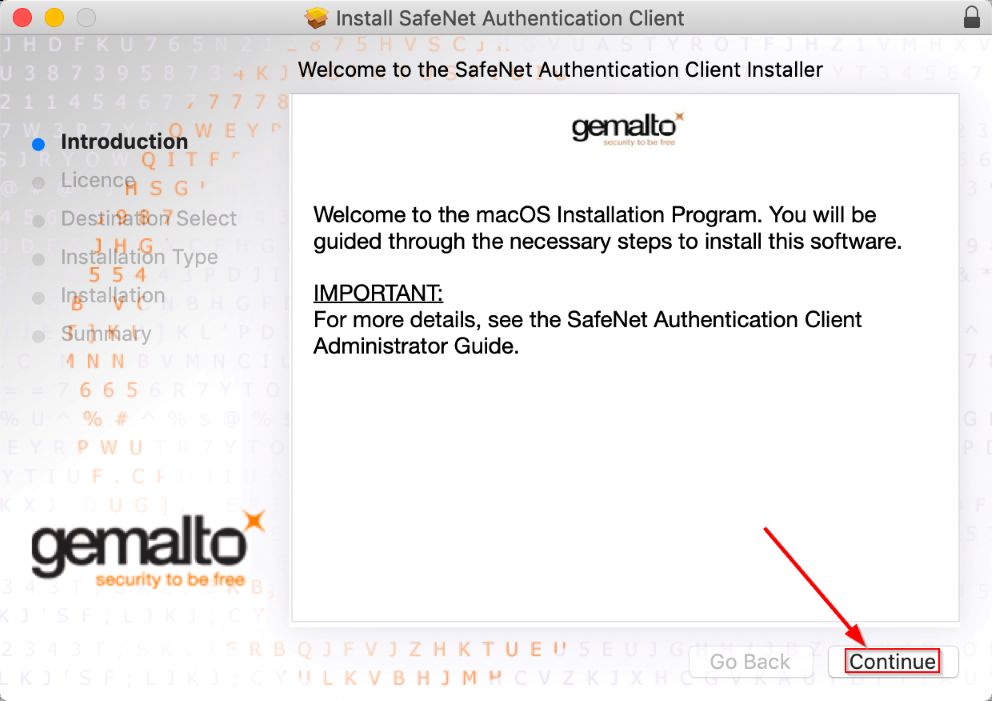
- Click on Continue
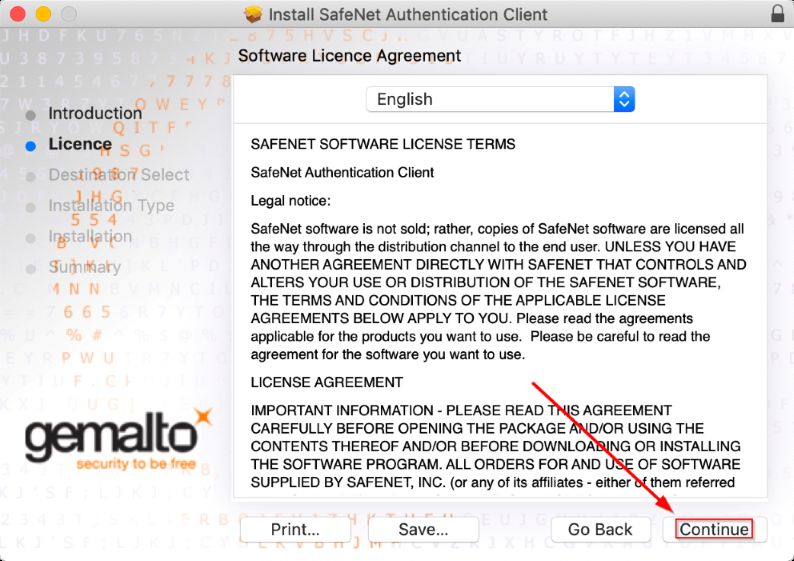
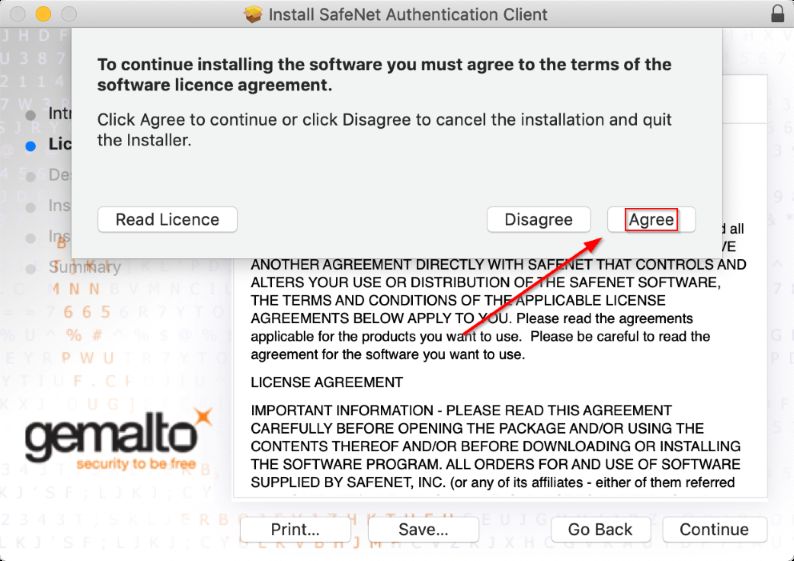
- Click on Agree
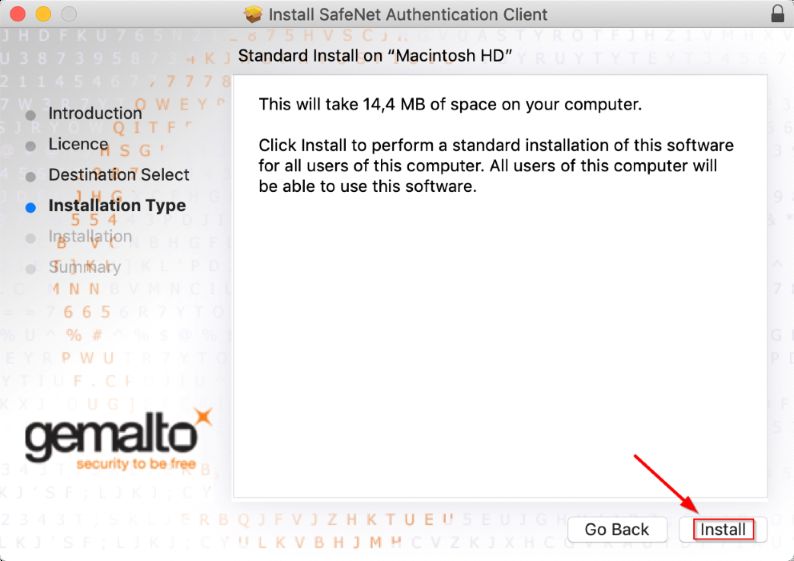
- Click on Install
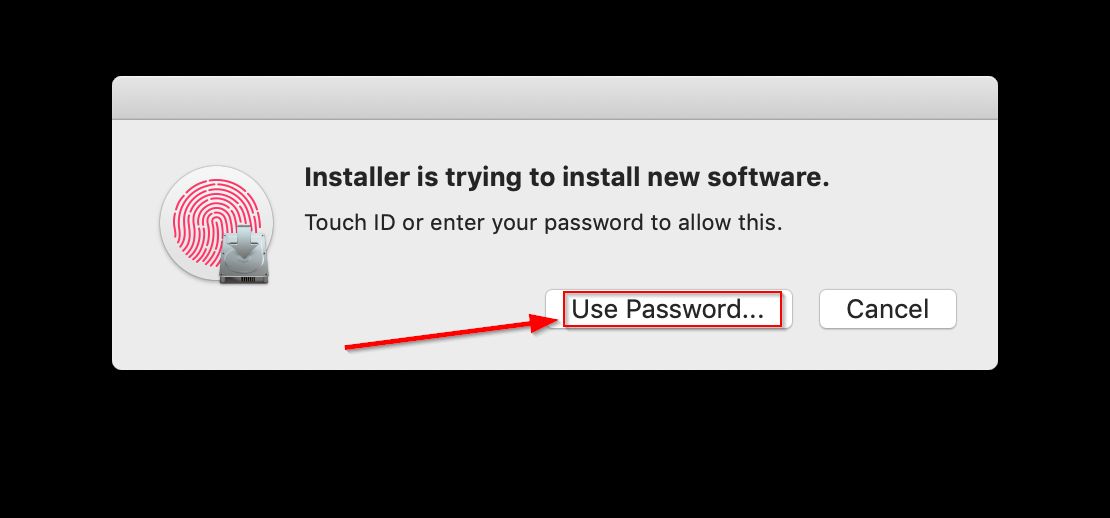
- macOS will request to confirm your login/password, please Click on Use Password
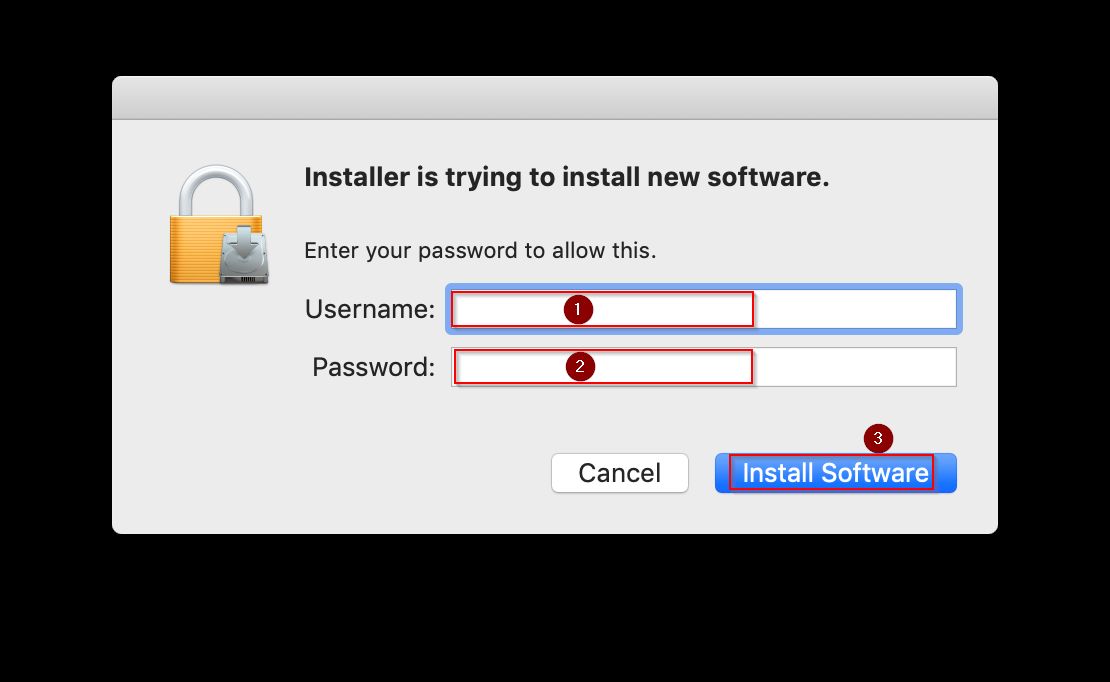
- After entering your username and password, please Click on Install Software
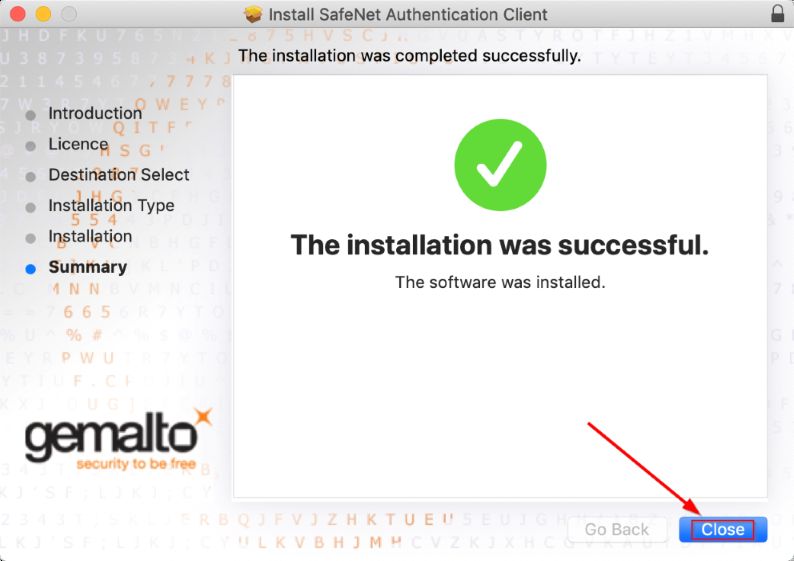
- The installation is finished, Click on Close
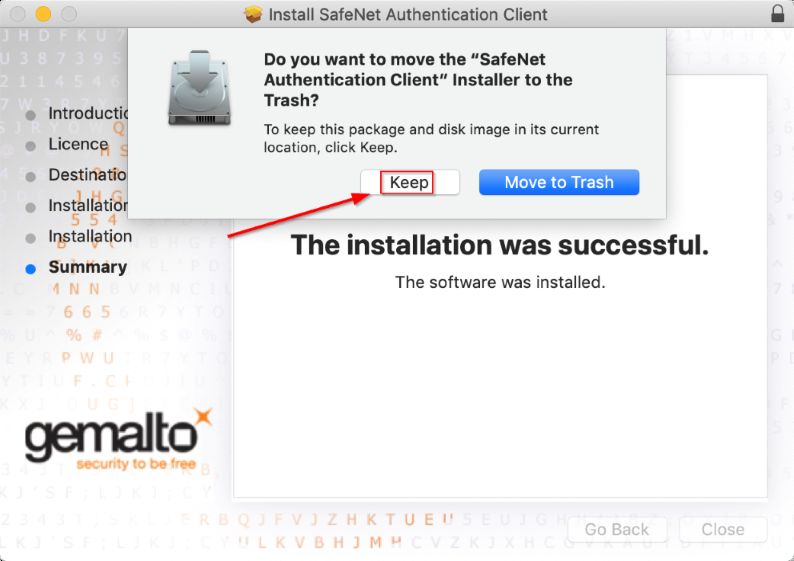
- Just in case, keep the setup file a few days, Click on Keep
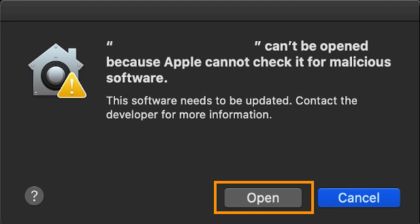
can't be opened because Apple...
- Starting in macOS 10.15 Catalina you may see the message when trying to run a software installer package.
- Can't be opened because Apple cannot check it for malicious software
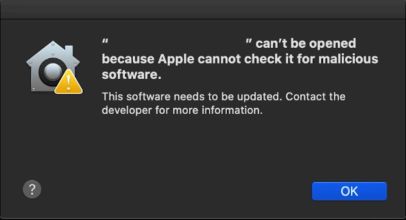
- To get around this warning, right-click (or ctrl+click) on the installer and select "Open":
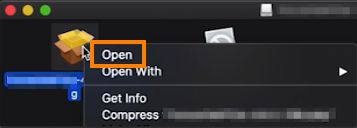
- You'll then see the same warning notice again, however this time there will be an additional "Open" button that you can click to run the installer: