Citrix Workspace App installation on Apple macOS

Download the package
- The citrix client software is named Citrix Workspace App for Mac
- Download the Citrix Workspace App for Mac, Here
Installing Citrix Workspace App for Mac
- open the dmg file
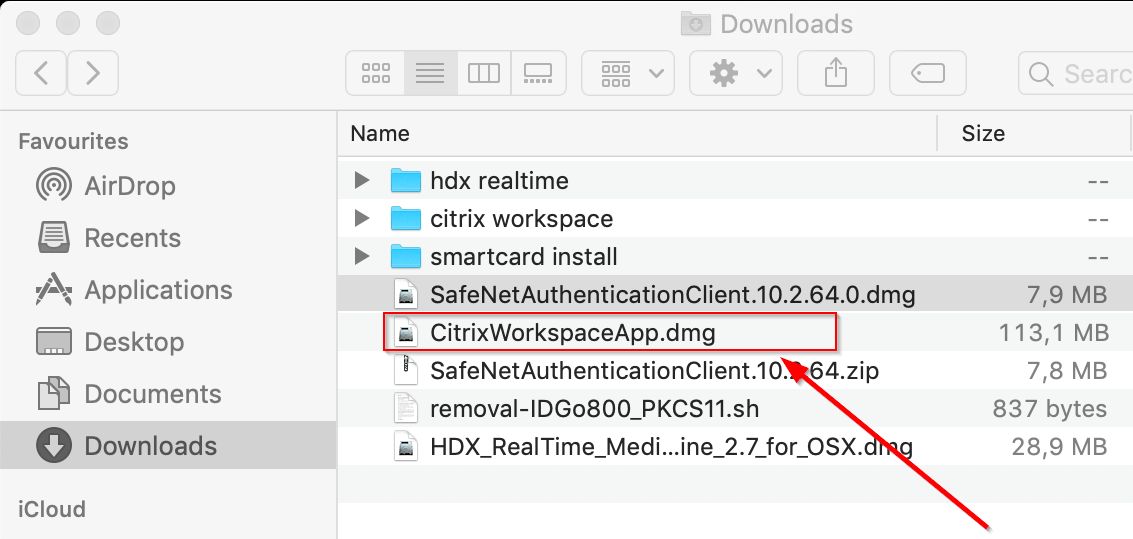
- Launch the install by clicking on Install Citrix Workspace

- Click on Continue
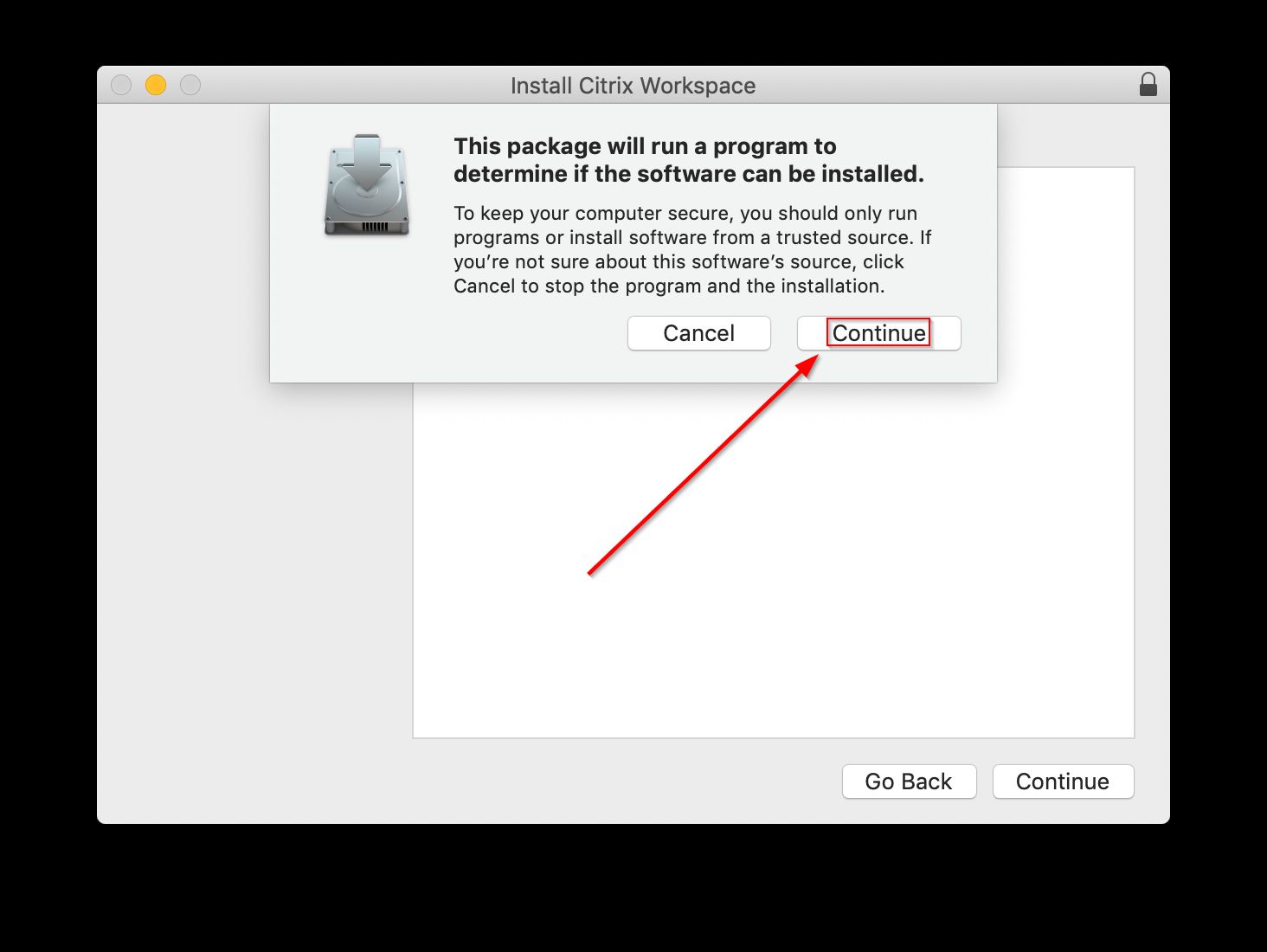
- Click on Continue
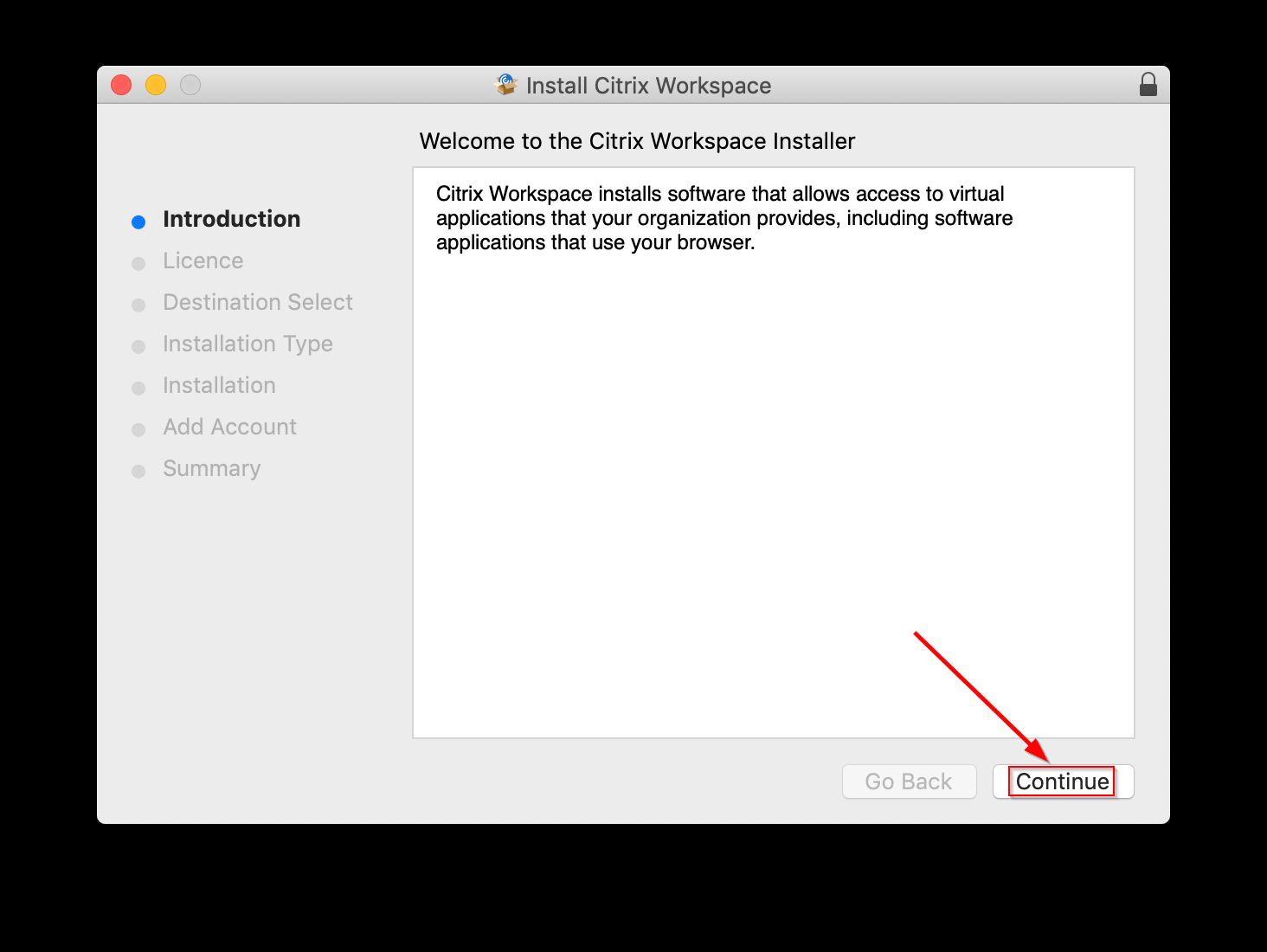
- Click on Continue
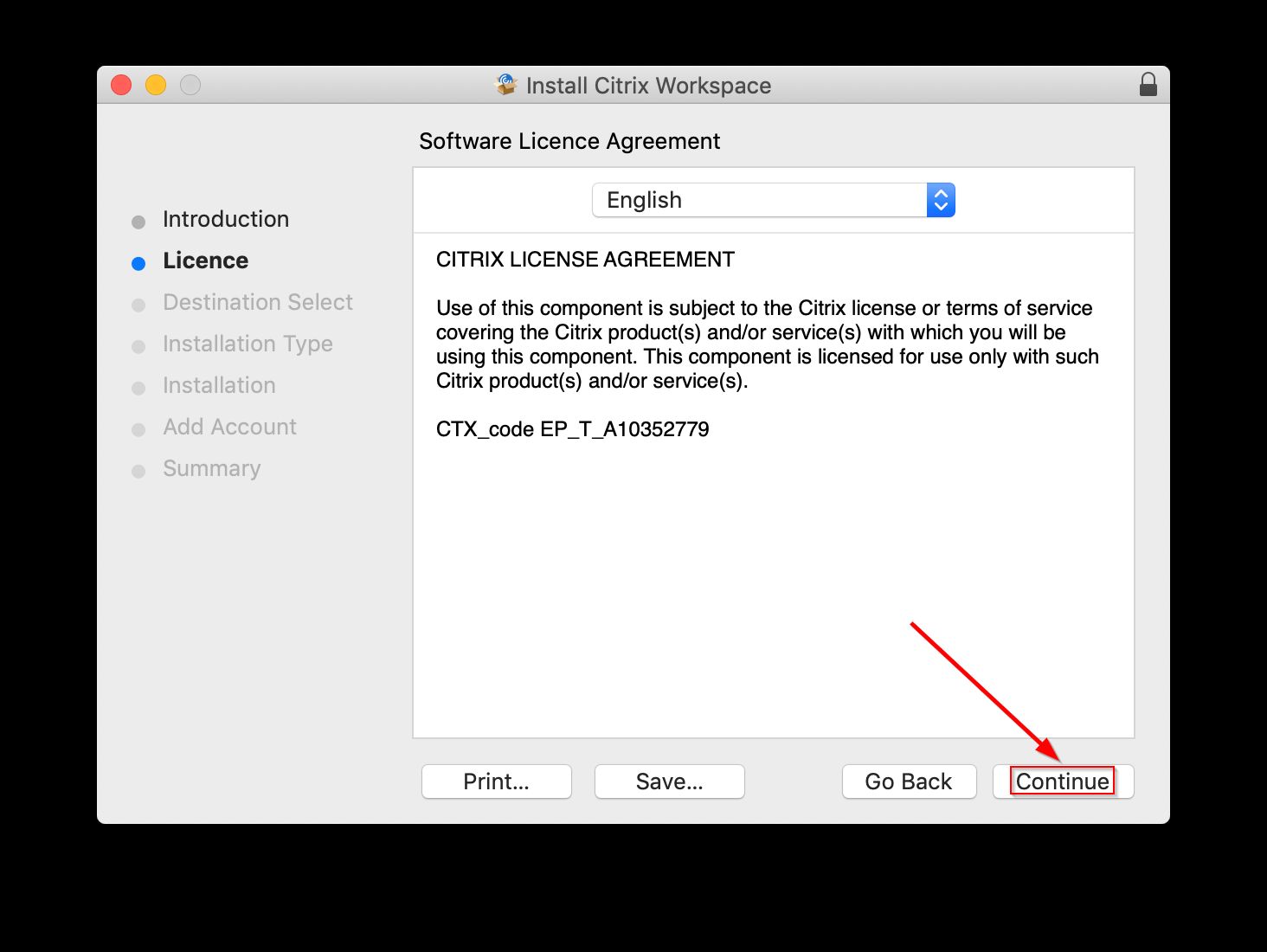
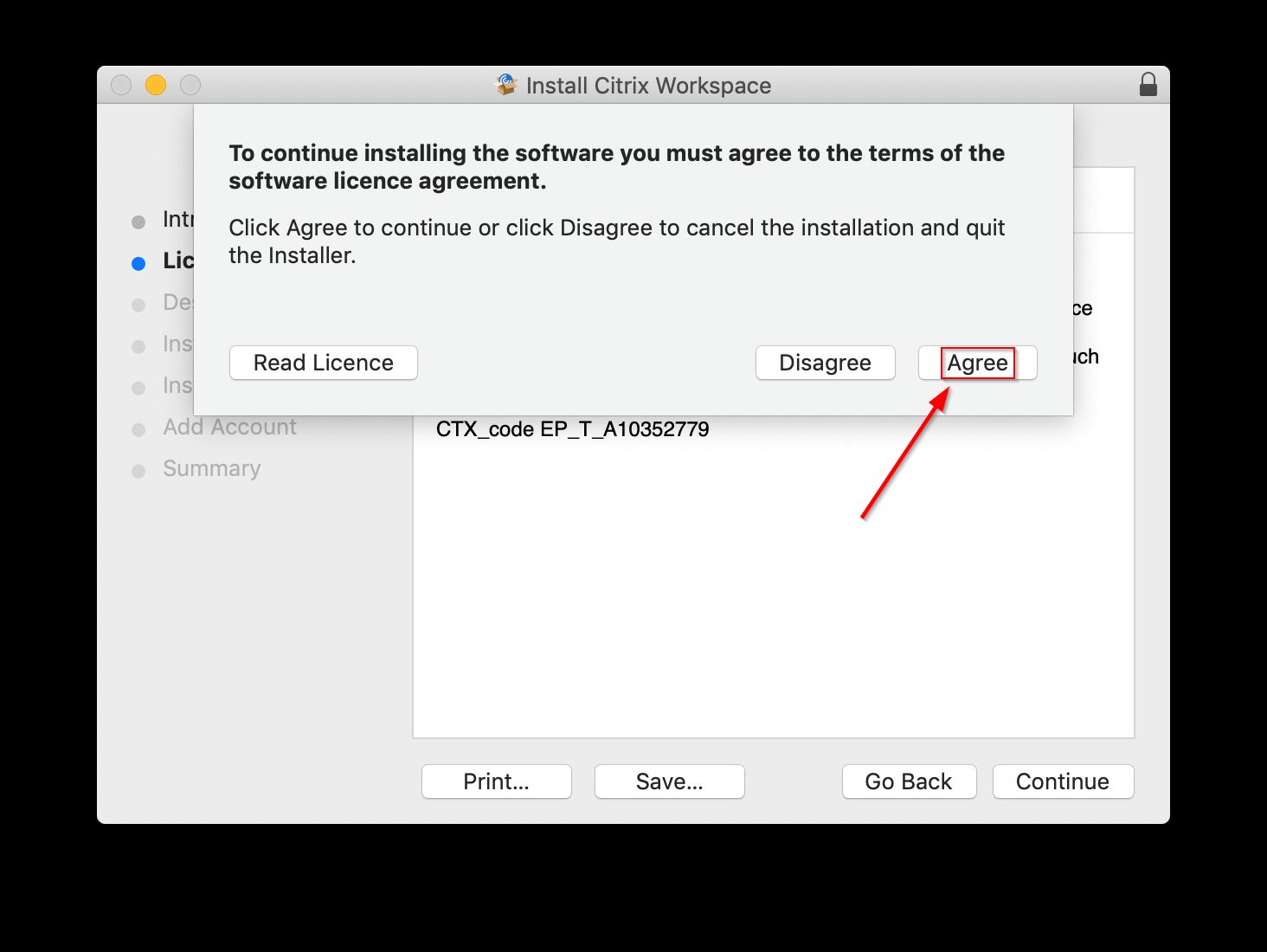
- Click on Agree
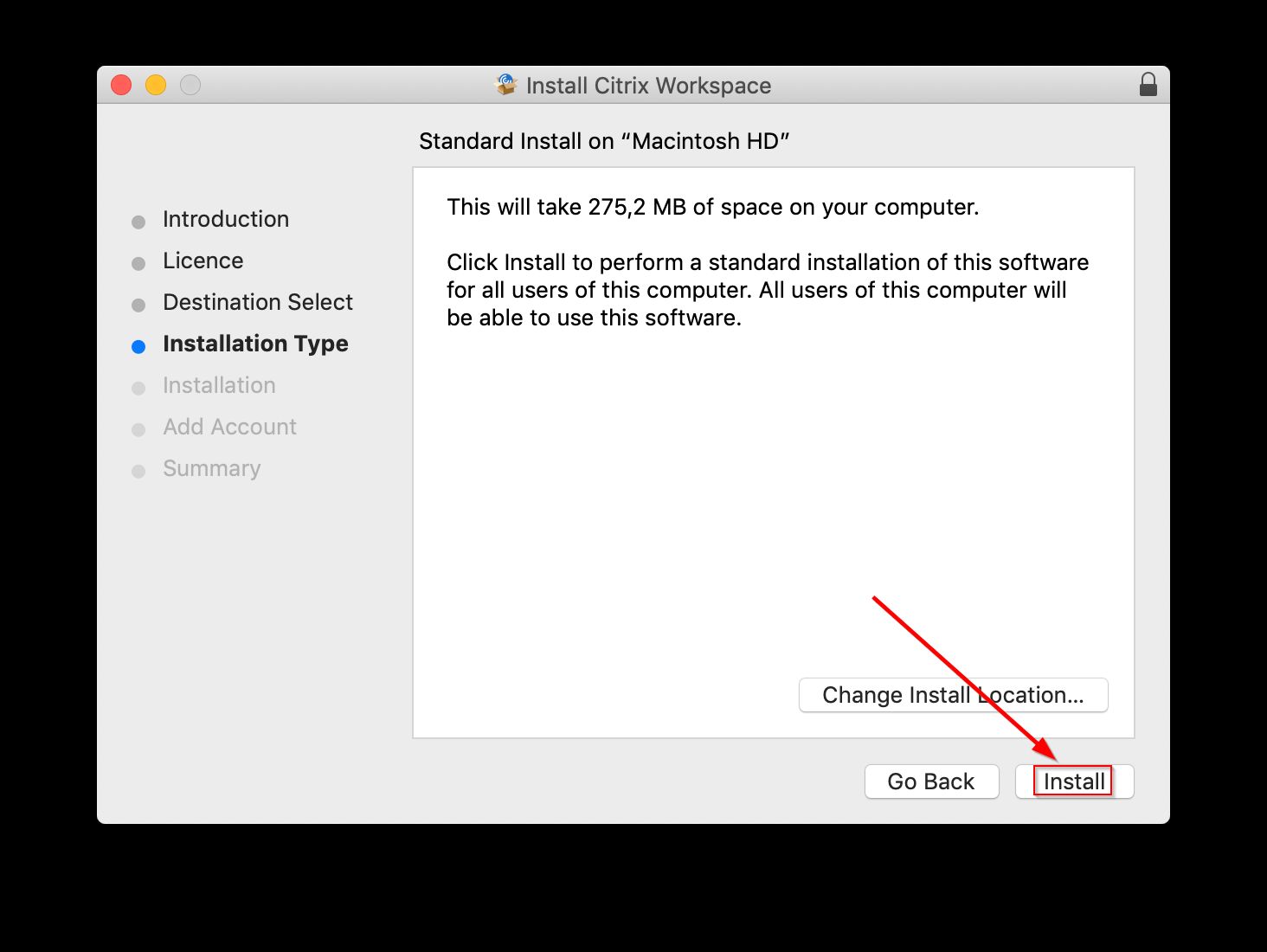
- Click on Install
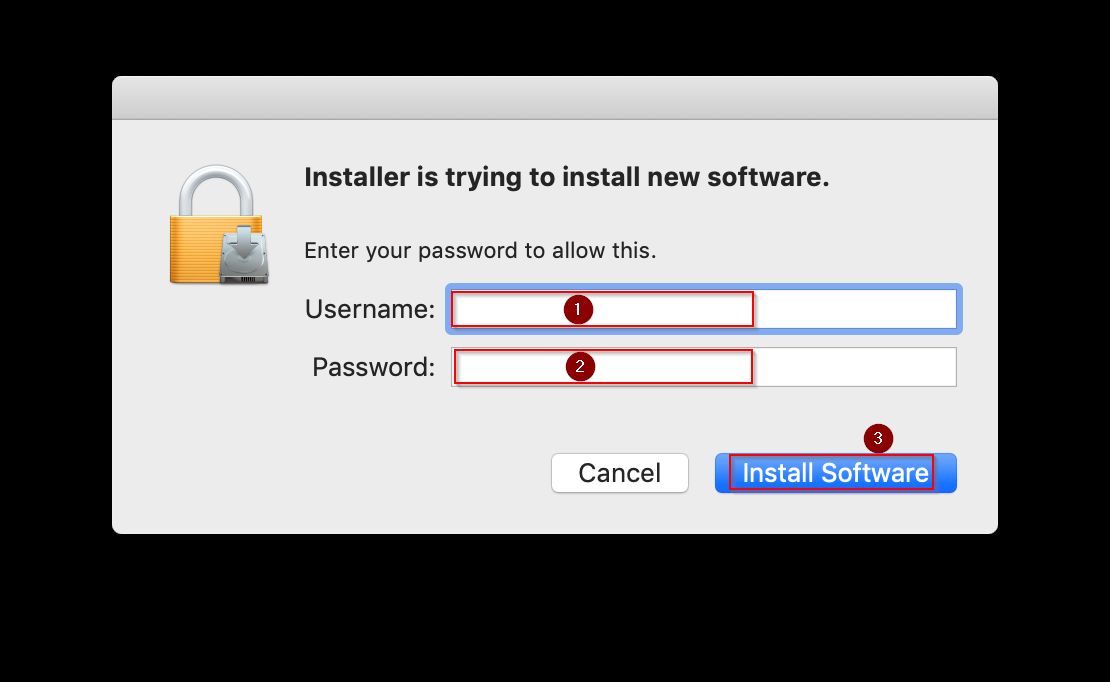
- macOS will request to confirm your login/password, please Click on Use Password
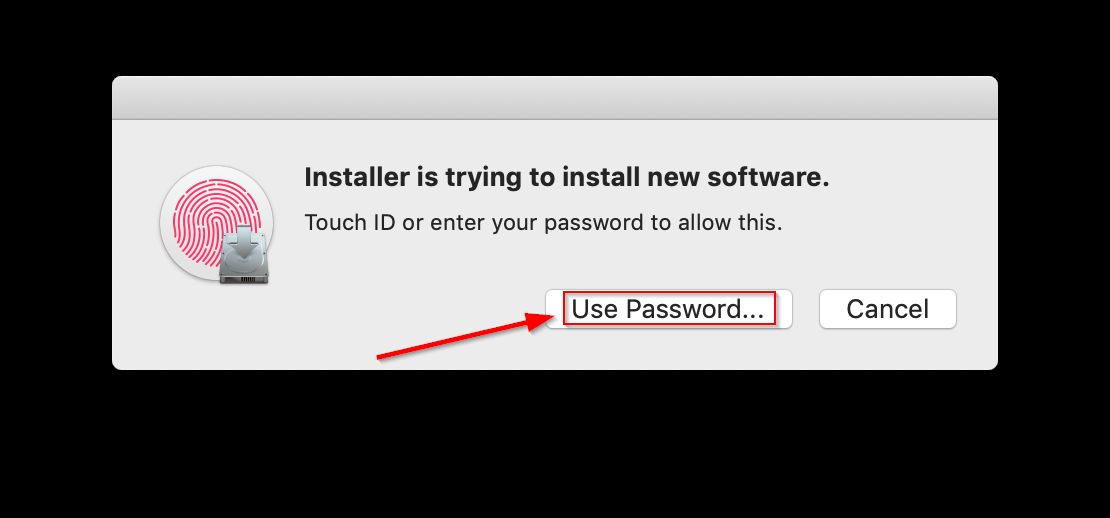
- After entering your username and password, please Click on Install Software
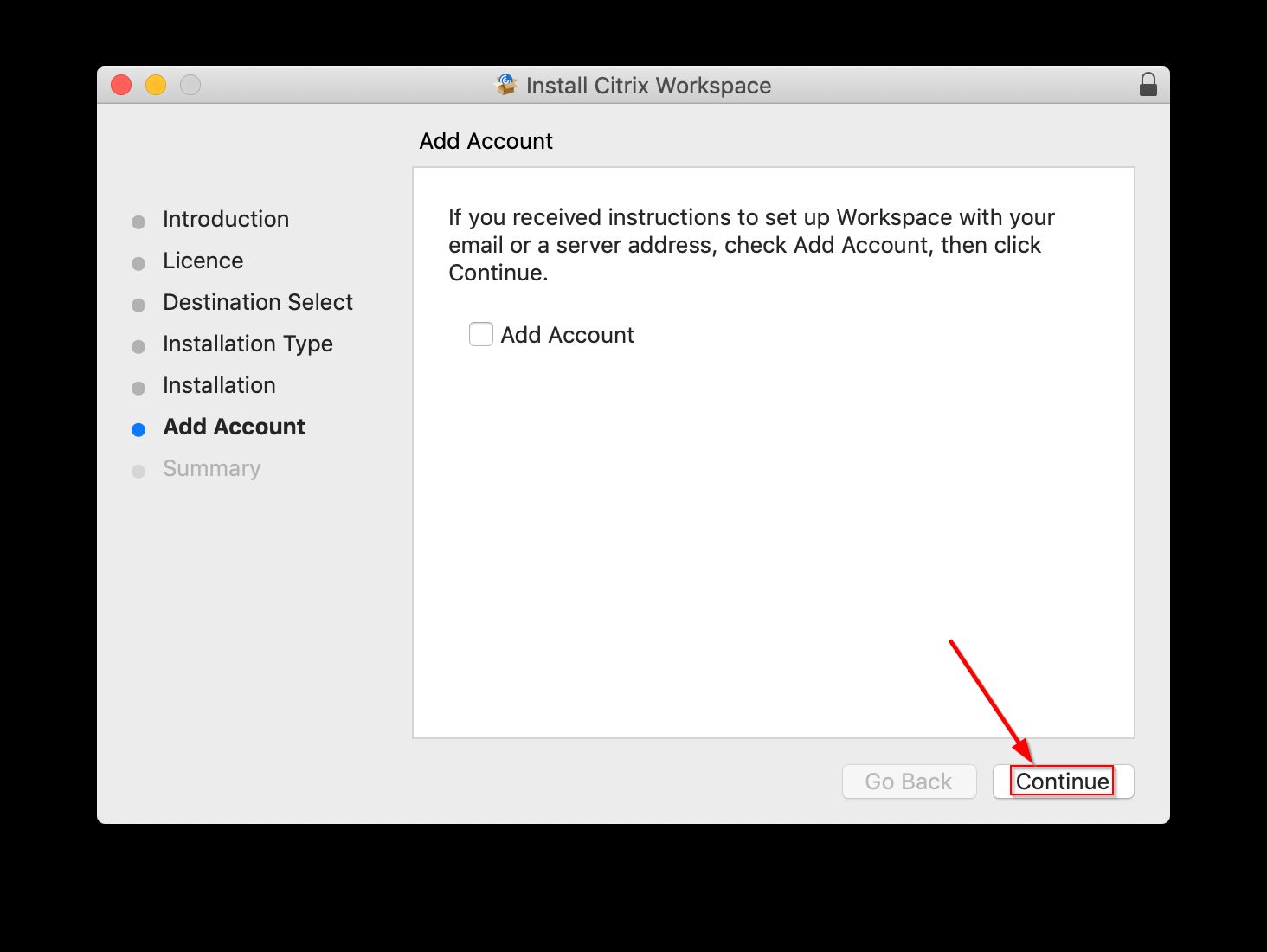
- Do not add an Account, Click on Continue
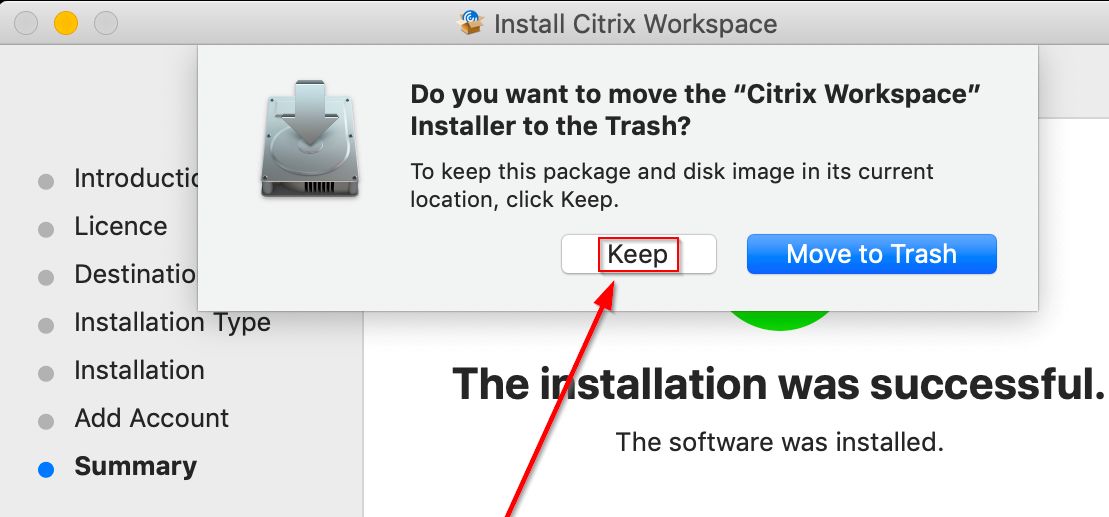
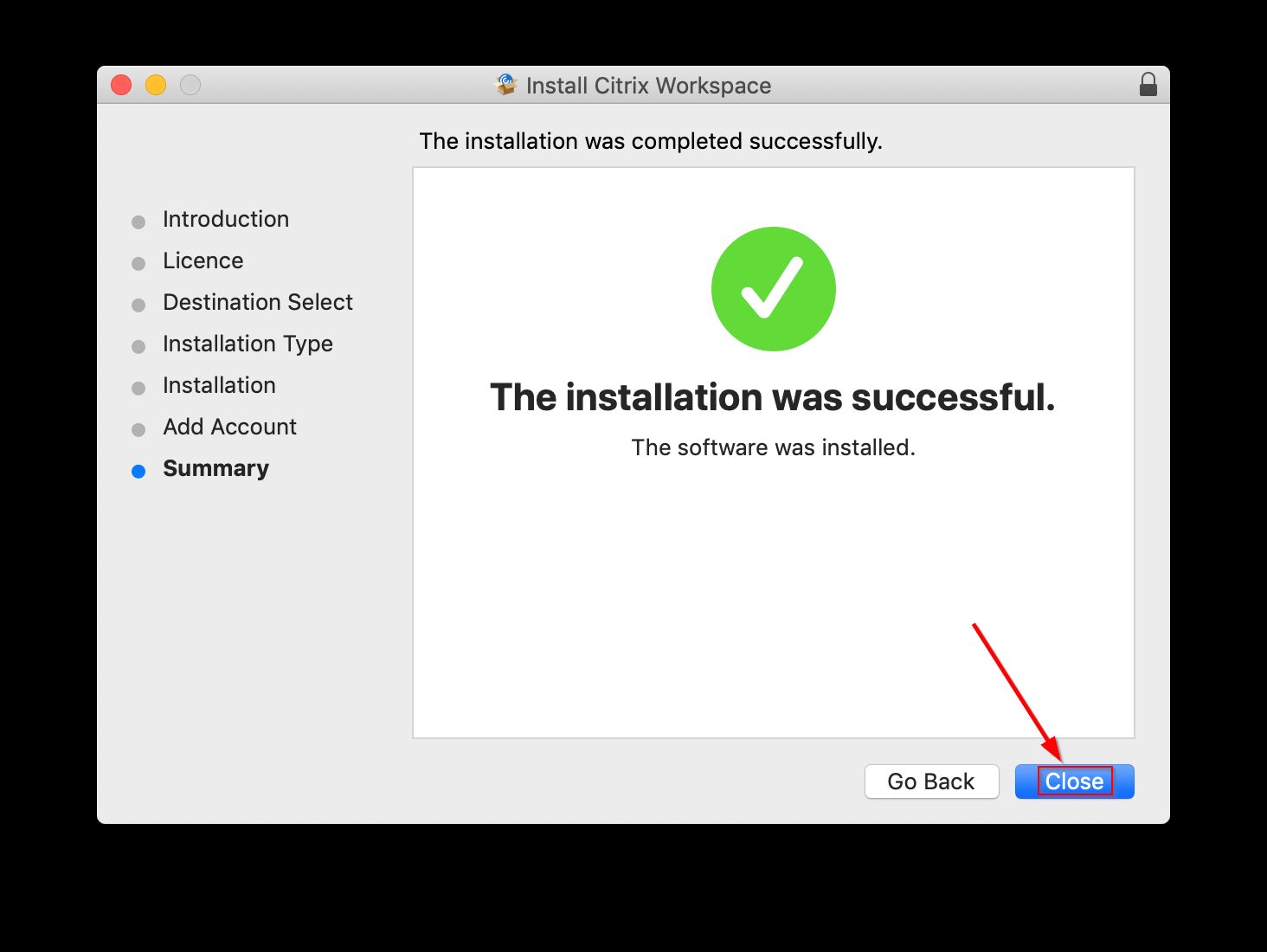
- The installation is finished, Click on Close
- Just in case, keep the setup file a few days, Click on Keep