Resize from one screen to 2 screen or more your HVD/RemotePC
User hade 2 or more screen and want to resize the HVD/RemotePC screen to set the physical screens setup.
Step-by-step guide
|
|
|
| click on Charm Bar to show up |
 |
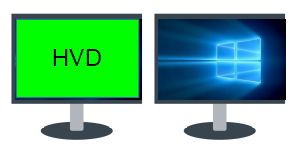 |
| click on set HVD/RemotePC windows from full screen to Window Mode |
 |
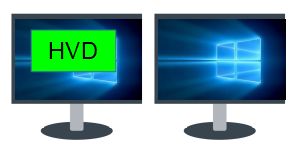 |
| put it so part of the window is on each monitor, |
 |
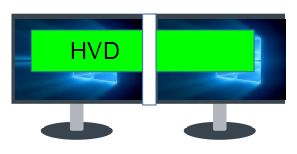 |
| Click back on Full screen button, the HVD/RemotePC is now on all the screens |
 |
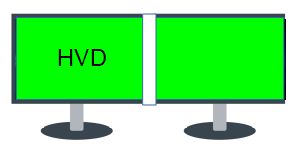 |
This work also with special configuration:
|
|
|
| click on Charm Bar to show up |
|
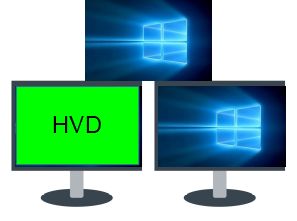 |
| click on set HVD/RemotePC windows from full screen to Window Mode |
|
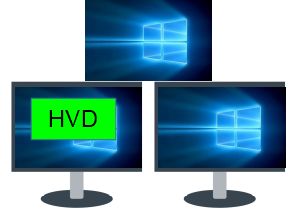 |
| put it so, part of the window is on each monitor, |
|
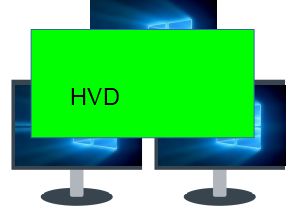 |
| Click back on Full screen button, the HVD/RemotePC is now on all the screens |
|
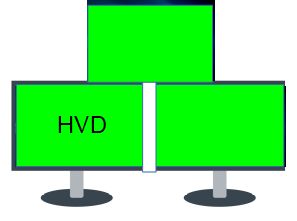 |